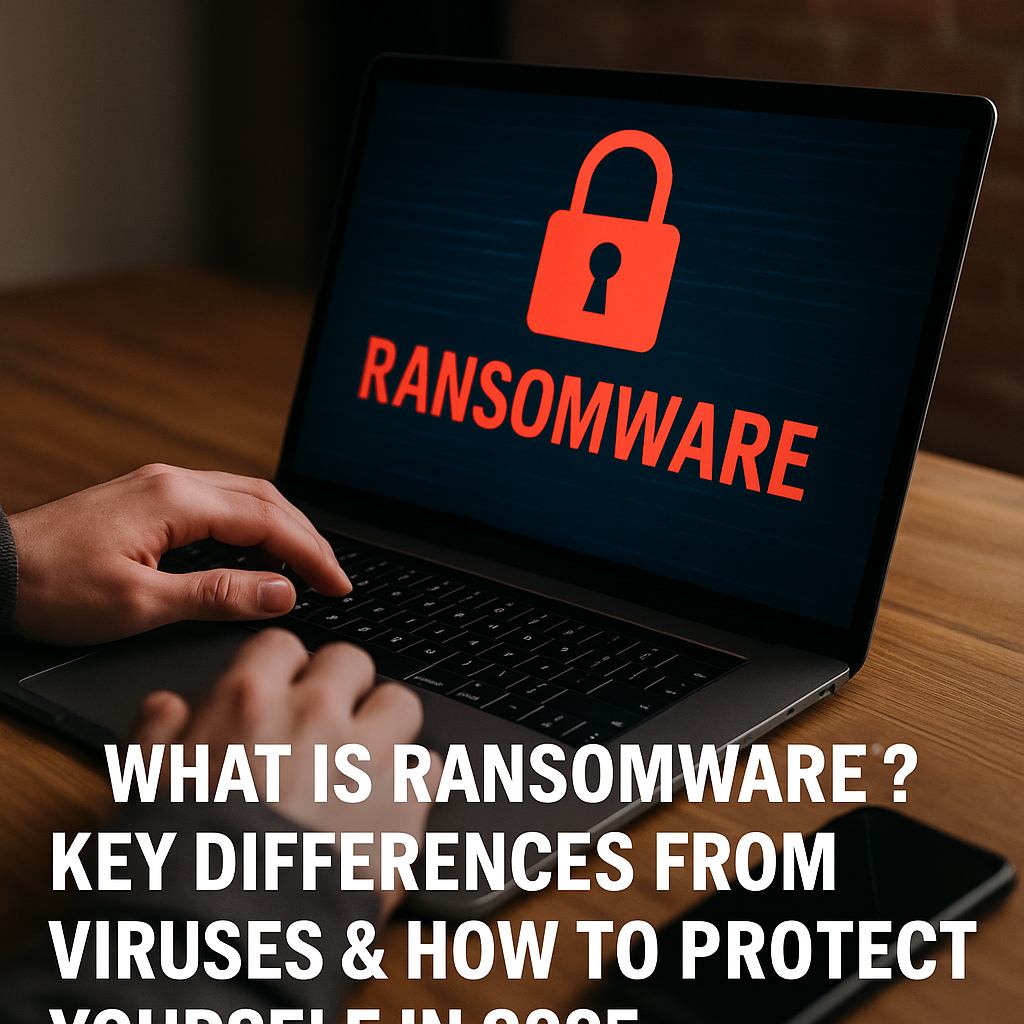
What Is Ransomware? Key Differences from Viruses & How to Protect Yourself in 2025
What Is Ransomware and How to Protect Yourself from It in 2025
Ransomware has become one of the most dangerous cyber threats in recent years. Unlike traditional viruses that corrupt files or spread silently, ransomware locks your data and demands payment (usually in cryptocurrency) to restore access.
Whether you’re an everyday internet user or a business, understanding ransomware is critical to your digital safety.
What Is Ransomware?
Ransomware is a type of malicious software (malware) that encrypts your files or locks access to your device, then demands a ransom fee to unlock it.
There are two main types:
Locker ransomware: Blocks access to your entire device
Crypto ransomware: Encrypts your files so you can’t open them
Some well-known ransomware strains include WannaCry, Ryuk, and Maze.
Ransomware vs. Traditional Viruses — What’s the Difference?
| Feature | Ransomware | Virus |
|---|---|---|
| Purpose | Extort money via ransom | Replicate/spread or corrupt system |
| Visibility | Immediately visible (lock screen) | Often hidden and silent |
| Impact | Blocks access, encrypts data | Slows performance, deletes/corrupts files |
| Motivation | Financial gain | Disruption, damage, or control |
| Removal | Often harder to remove | Antivirus can usually clean |
🔐 Ransomware is more direct, destructive, and profitable for cybercriminals.
How Do Ransomware Attacks Happen?
Common ransomware infection methods include:
Email phishing: Fake emails with infected attachments or links
Malicious websites/downloads
Exploiting outdated software vulnerabilities
Infected USB drives
Remote desktop protocol (RDP) hacks
How to Protect Yourself from Ransomware in 2025
Prevention is the best protection. Here’s what you should do:
🔒 1. Backup Regularly
Keep offline or cloud backups of important data. If ransomware hits, you can restore your files.
🧰 2. Use Reliable Antivirus & Anti-Ransomware Tools
Install security software that includes real-time ransomware detection.
✉️ 3. Be Cautious with Emails
Avoid clicking unknown links or downloading suspicious attachments.
🔄 4. Update Software and Systems
Ransomware often exploits old security flaws. Always keep your system updated.
🧑💻 5. Use Temporary Email for Online Signups
Reduce exposure to phishing by using Temp Mail for quick, anonymous email addresses on untrusted platforms.
What to Do If You’re Infected?
Disconnect from the internet immediately
Don’t pay the ransom — there's no guarantee you’ll get access back
Contact cybersecurity professionals
Use decryption tools (if available for your ransomware variant)
Report the incident to authorities
Final Thoughts — Ransomware Is Beatable, If You’re Prepared
Ransomware isn’t going away. But with the right knowledge and digital hygiene, you can avoid becoming a victim. By staying updated, backing up your files, and protecting your digital identity (like using temporary email accounts), you’ll stay one step ahead.